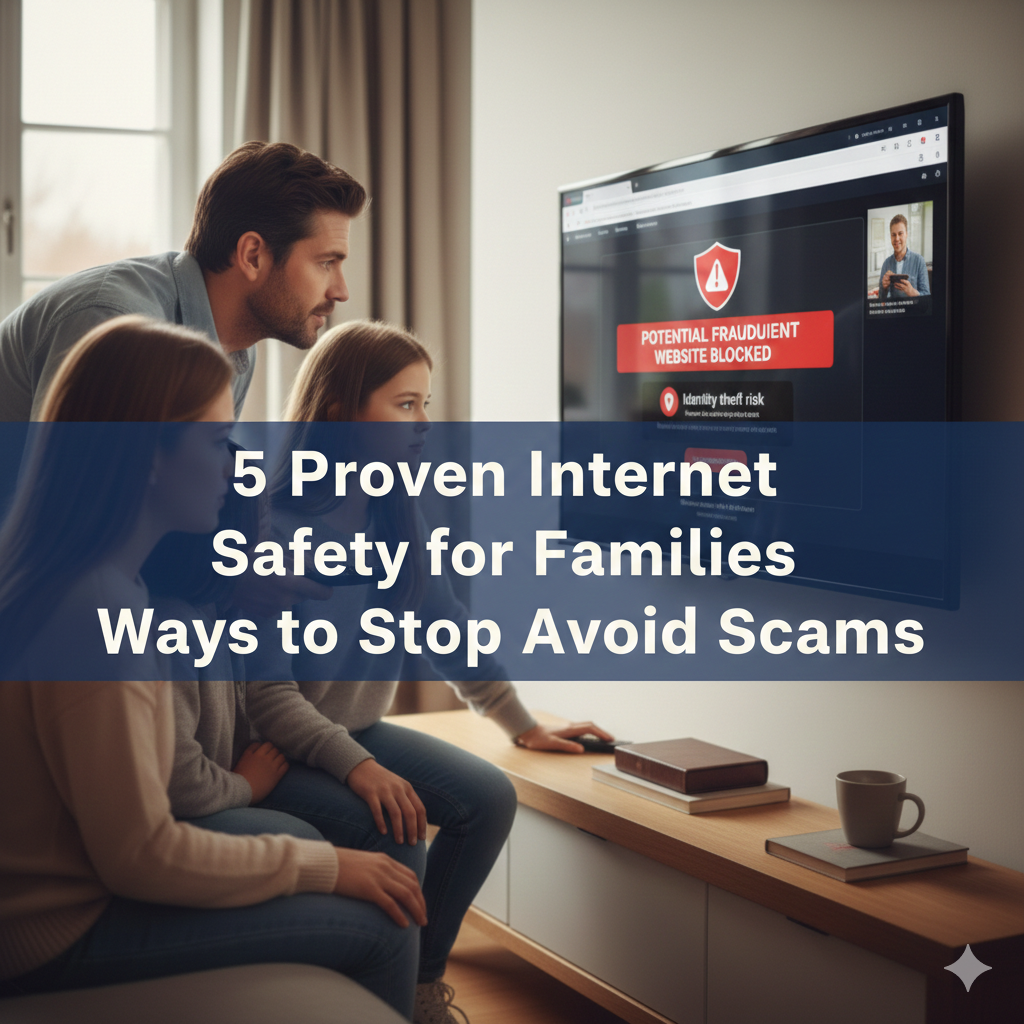
Why Your Family Should Start Talking About Online Scams, Today
Online scams steal money and personal information from people every day. Americans were fleeced of more than $10 billion in internet scams last year, a new report has revealed. The scary part? Most of those victims would never see it coming.
Your family deserves better protection. Whether you’ve got kids playing online games, a spouse shopping from home or elderly parents writing emails, everyone is at risk. Scammers never take a day off, and they’ve become better at tricking people of all ages.
The good news? You don’t have to be a tech genius to keep your family safe. This guide will walk you through five realistic ways to detect scams before they hit your household. All these strategies are open to all of us, so even young family members right through to grandparents can be a part.
Let’s take care what matters most: the safety and financial security of your family.
1. Establish a Family Scam Alert System
Consider this the early warning system for your household. If one person sees something suspicious, everyone should know it.
Set Up Regular Family Check-Ins
Set up a short weekly meeting where everyone reports on what they’ve seen online. Who else received a strange text this morning? Did a suspicious email arrive? Was there an ad on social media that sounded too good to be true?
These conversations accomplish two important things. For one thing, they keep everyone on edge and thinking about safety. Second, they enable younger family members to learn from older ones; sometimes that goes the other way around as well.
Make it casual and judgment-free. No one should be embarrassed to have nearly fallen for a scam. The point is to learn, not to assign blame.
Build a Shared Document
Prepare a basic Google Doc or note that can be open to everyone. Each time someone comes across a scam attempt, it gets added to the list with:
- The date it happened
- The platform it was shared on (email, text, social media post, phone call)
- What made it suspicious
- What they did about it
This is a knowledge base for the family. Over time, you’ll notice patterns. Perhaps your family members become targets for scammers during the holidays. Maybe there are certain scams that just continue popping up. This knowledge is what keeps everyone a step ahead.
Teach the “Pause and Ask” Rule
They should take a moment to pause, ideally even before they click a link, download a file or send money online. They should then ask at least one other family member to view it. Yet this simple rule halts the majority of scams in their tracks.
Scammers count on quick decisions. They manufacture a sense of urgency to get people to take action without thinking. The pause button is your family’s worst enemy.
2. Learn How to Spot the Red Flags
Scammers leave clues behind. When you know what to look for, their tricks are obvious.
The Language Test
Most real companies don’t speak this way:
- “Do or miss the boat”
- “You’ve just won a prize that you have not entered to win”
- “Give us money and we’ll send you money back”
- “You must click here right now to prevent your account from being closed”
- “This is your third and final notice” (if you never got the first or second)
Train your family to know that urgency in language is an early warning sign. Straight businesses allow time to reflect; the legitimate businesses let you think. Scammers rush you on purpose.
The Contact Information Check
Here’s a nifty trick that halts many scams in their tracks. When a message from a company arrives:
- Do not contact the sender of the message using the details provided
- Find the company’s real phone number or website yourself
- Then, that’s who you call and how to contact them directly
- Inquire if it was definitely them who sent the message
This applies to banks, government offices, delivery services — any outfit. If the communication was not legitimate, the real company will let you know right away.
The “Too Good to Be True” Calculator
| Claim Type | Realistic? | Scam Likelihood |
|---|---|---|
| Make $5,000 a week from home | No | 99% |
| Free vacation (just pay travel taxes) | No | 95% |
| Product cures all health issues | No | 100% |
| Double your investment in one month | No | 99% |
| Celebrity wants to talk with you | No | 100% |
| Give us your info so we can ship the package | Maybe | 70% |
Apply this basic rule: If something sounds too good or easy to be true, it probably is. Real opportunities require work. Real products have limitations. Real investments carry risks.
Double-Check the Sender’s Email Address
Scammers take email addresses that are close to the real thing. They might use:
- amaz0n.com instead of amazon.com (zero instead of O)
- paypa1.com instead of paypal.com (letter one instead of small L)
- support@real-company-name.net instead of support@realcompanyname.com
Teach your family about hovering (not clicking) over email addresses and links before responding or acting on them. Most email programs will show the actual destination at the bottom of the screen.

3. Lock Down Your Family’s Digital Doors
Physical safety needs locked doors and windows. Online safety requires digital locks that work just as well.
Password Power-Up Strategy
A weak password is like leaving your front door open. Here’s how to solve that worry, for the entire family:
Create a Password System
So instead of one password for everything (a little risky) or random passwords that nobody remembers (very annoying), implement a simple system:
- Choose a favorite sentence only your family knows (e.g., “MyDogMaxLoves2Run”)
- Combine the first 3 letters of a web address (e.g. Facebook becomes “MyDogMaxLoves2RunFac”)
- Append a symbol (MyDogMaxLoves2RunFac!)
This provides you with unique passwords for each site that conform to a pattern that you can remember.
Use a Password Manager
A password manager is something like a digital safe for your login information. They recall all of that information for you and come up with super-strong, random passwords. Good options include:
- 1Password (family plans available)
- Bitwarden (free option works well)
- Dashlane (user-friendly interface)
Each member of your family has their very own vault. No one has to share passwords, or write them down.
Enable Two-Factor Authentication Everywhere
Two-factor authentication (2FA) is the digital version of a two-lock front door instead of one. Even if you are tricked into revealing your password, no one can get in without the other key.
Set this up on:
- Email accounts
- Banking and credit card sites
- Social media accounts
- Shopping accounts (Amazon, eBay, etc.)
- Work and school accounts
Most services do this through 2FA via text message or an authentication app. The apps are more secure, but the text messages are better than nothing.
Use Multiple Email Addresses for Different Needs
It might sound complex, but it is actually a very simple and powerful strategy. Each family member should have:
Primary Email: For important stuff (bank, health care, work, school)
Backup email: For online shopping
Junk Email: Throwaway signups and stuff you don’t trust yet
When criminals breach a shopping site, they get your throwaway email, not your bank email account. This limits damage significantly.
Free email services such as Gmail and Outlook permit you to maintain several accounts. Put them all in one app to keep checking easier.
4. Teach Your Kids (and Grandparents) Scam-Specific Skills
Various scam types are targeted at various family members. Personalized learning trumps one-size-fits-all warnings. For more comprehensive guidance on protecting every member of your household, visit our complete internet safety resource for families.
For Young Children (Ages 5-10)
Children at this age simply need clear, simple rules:
The Three Never Rules:
- You should never give out your real name, address or school name online
- Never friend anyone you do not know in real life
- Never tap on pop-ups or ads while playing games without first consulting with a grown-up
Use examples they understand. If you didn’t know the person, would you eat candy they offered on a street corner? Online strangers are the same.
Family: Play “Real or Fake” games. Demonstrate the difference between real-known sites and scam sites. Make it fun as though you are playing a detective game.
Tween and Teen (Ages 11-17)
This demographic has a belief in their own technological know-how, which sometimes leaves them open to being scammed. They need to understand consequences:
Social Media Scams
Teach them to recognize:
- False influencer accounts requesting money
- Misleading “free” gift card scams that request login information
- Phishing through direct messages
- Fake job offers targeting students
Gaming Scams
Young gamers face specific risks:
- Spam overly competitive “free V-bucks” or other in-game currency scams
- Account trading scams
- Game mods or cheats that are malware in disguise
- Imposters claiming to be developers
Have frank discussions about why they might be enticed by these scams. Sometimes peer pressure or trying to fit in with friends steers risky behavior. Offer reasonable ways to earn or save for what they want.
For Older Adults (Ages 60+)
Older Americans are targeted in specific scams that play on trust, and isolation can create conditions ripe for schemes involving technology:
Common Senior-Targeted Scams:
- Phony “tech support” calls indicating that they had a computer virus
- Dating or social media sites romance scams
- Grandparent scams (“Grandma, I got into some trouble and need money”)
- Medicare and Social Security impersonators
- False appeals to charity in the wake of disasters or during holidays
Help older family members by:
- Securing their devices for good
- Volunteering to be their “tech consultant” on anything suspicious
- Never making them feel dumb for asking questions
- Regular check-ins around any strange contacts they’ve received
Cultivate a code word your grandkids can use when they really need help. This thwarts those scammers who pose as a grandchild in distress.
5. Create a Digital Emergency Kit for Your Family
Even the most cautious families might fall victim to scams. Having a plan minimizes damage.
Create Your Response Checklist
Print this out and post it where everyone can see:
If You Believe You Are a Victim of a Scam:
1. Stop all contact immediately
- Don’t send more money
- Don’t provide additional information
- Block the scammer’s phone number and email
2. Tell your family right away
- No judgment, just action
- The more people that think = better solutions
- Others might be targeted next
3. Document everything
- Take screenshots of messages
- Save emails and texts
- Write down dates and amounts
- Note any personal information shared
4. Report to the right authorities
- Your bank or credit card company (if there was any money involved)
- FTC at ReportFraud.ftc.gov
- IC3.gov (for internet crimes)
- Local police (for large amounts)
5. Protect your accounts
- Change passwords immediately
- Enable two-factor authentication
- Check your bank and credit card statements
- Consider a credit freeze
6. Learn from what happened
- How did you become a target for this scammer?
- What persuaded you that this was something real?
- What will you do differently next time?
Set Up Financial Safety Nets
These tools snare problems before they escalate into disasters:
Account Alerts
Sign up for alerts by text or email:
- Any purchase over $50
- All ATM withdrawals
- International transactions
- Account login from new devices
- Password changes
Regular Statement Reviews
Plan monthly money meetings in which adults in the household:
- Review all bank statements together
- Check credit card charges
- Scan for forgotten subscriptions
- Verify all transactions are legitimate
The earlier fraud is detected, the less damaging and the more easily resolved it can be — and the smaller the cost.
Know Who to Call for Help
Write these numbers someplace accessible to everyone in the household:
- Your bank’s fraud department
- Credit card company fraud hotlines
- Local police non-emergency number
- Your state’s consumer protection office
- AARP Fraud Watch Network Helpline: 877-908-3360 (open to all, not just AARP members)
Frequently Asked Questions
What do I do if my child shared personal information online by mistake?
Act quickly but stay calm. Might be a good idea to change passwords on these accounts ASAP. If you did exchange financial information, call your bank. Report it to the FTC at IdentityTheft.gov. Discuss with your child — without punishment, but as a learning exercise — what happened, and how to do better next time. Keep your eyes open over the next few months.
How do I know if a bank email is real or fake?
Never rely only on the sender name. Be sure the email address is spelled correctly. Do not open any links in the email. Rather, open a browser and enter your bank’s website yourself and log in to see whether there are actual messages. Do so by calling your bank at the number on your debit card.
How harmful are phone scams compared to email scams?
Yes, phone scams are super effective since hearing another human voice makes people trust more easily. Scammers also deploy technology that shows calls appearing to come from local numbers or legitimate businesses. Always hang up and call back, using a number you look up. Reputable companies are not going to mind you checking them out in this manner.
How can kids use social media safely?
Private, not public accounts. Only accept friend requests from those you know personally. Turn off location services on posts. Go over their friends lists with them once a month. Have regular conversations about what they’re seeing and who’s reaching out to them. Instead, consider waiting until the age of at least 13, when children are better equipped to understand online risks.
How often do we need to change our passwords?
If you believe an account has been hacked, change passwords immediately. Otherwise, concentrate on maintaining strong and individual passwords, rather than swapping out weak ones regularly. A strong password that never changes is more secure than a weak password changed monthly. But do change passwords for sensitive accounts (banking, email) every 6-12 months.
What if I’ve already sent money to a scammer?
Get hold of your bank or credit card provider straight away. If you used a wire transfer, don’t hesitate to reach out to the company (Western Union, MoneyGram, etc.). If you paid with a gift card, reach out to the issuer of the card. File a report to both the FTC and local police. Quick action can sometimes make the difference, though getting money back is never easy. These complaints also help law enforcement trace scammers.
Will antivirus software protect my family from all scams?
No. Antivirus programs help protect against malware and certain phishing attempts, but they don’t protect against social engineering scams in which people willingly share information or send money. Natural human curiosity and judgment still offer you your best protection. Think of your antivirus software as a layer of security, not the sole solution.
Your Family’s Safety Starts Today
Internet safety for families isn’t about saying no to technology. It’s about using this wisely and looking out for one another.
The reason these 5 strategies work in this guide: In short, these five strategies will work for you within this guide only because they’re practical and not complicated. They don’t require special skills or expensive tools. You have to be aware, communicate and have a plan.
Begin with one strategy this week. Perhaps it’s establishing that family check-in. Or maybe it’s just that you’re finally setting up two-factor authentication for crucial accounts. Small changes result in huge gains in the digital safety of your family.
Keep in mind: Scammers win if families don’t discuss threats. They fall down when households cooperate to share information.
Include internet safety in the everyday routines that make up family life — such as locking doors at night or looking both ways before crossing the street. These routines can become second nature after a while — but they continue to protect you, day in and day out.
Your family’s online safety matters. Act today, sleep better tonight knowing you’ve got strong protections against scams that plague families everywhere.