Why Online Gaming Safety Has Never Been More Important
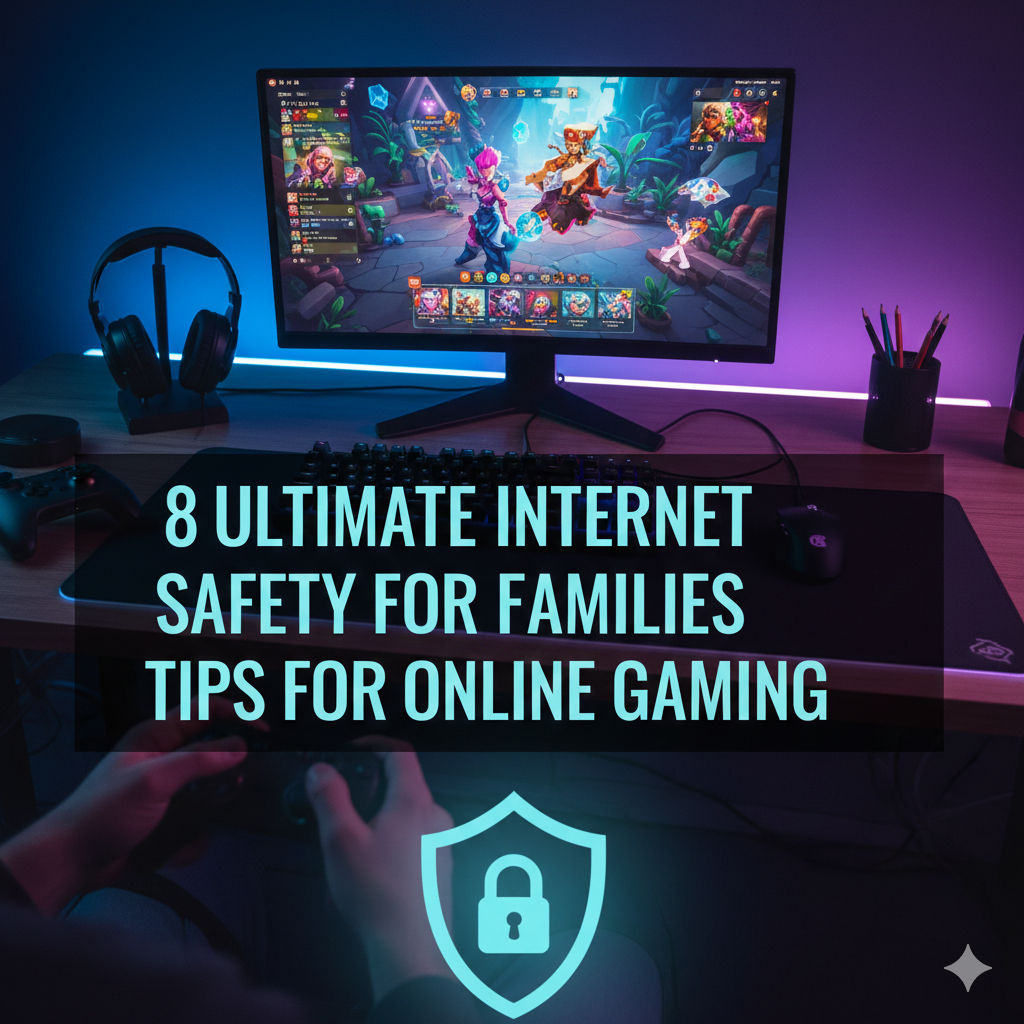
Gaming is a huge way the family can play together online. Children spend hours playing Fortnite, Roblox, Minecraft and any number of games with friends and strangers worldwide. Games can help children learn problem-solving and may help them make friends, but they also expose children to serious dangers.
Cyberbullies, predators, scammers and hackers all hang out in gaming worlds. Your child could inadvertently divulge personal information, be exposed to unsuitable content, or even subjected to harassment by other players. Parents require practical solutions for protecting their families without ruining the fun of gaming.
That’s why this guide is here to provide you with eight tips on making gaming a little bit safer for everyone in your household. And these are not complex security measures that emphasize tech expertise. They’re simple things any parent can do today.
Develop Strong Accounts With Appropriate Privacy Settings
The first line of defense begins with the way you establish gaming accounts. Account creation is often rushed by families, critical privacy settings skipped. This error places kids at risk for unwanted contact and data collection.
Choose Smart Usernames
Do not use your real name, birthday, or location in gaming username. A username such as “Sarah2014NYC” gives predators your child’s name, birth year and city. Instead, you want cool and random usernames that are easy to remember but reveal nothing personal.
Let your kids choose creative names they adore but vet them first. Stay away from anything that indicates age, gender and location.
Lock Down Privacy Settings
All gaming platforms include privacy controls, but they are often buried under menus. Spend 30 minutes tinkering with settings on each platform your family uses.
Essential privacy settings to enable:
- Private profiles which hide personal details
- Friend-only communication (prevent messages from strangers)
- Restricted friend requests
- Disabled location sharing
- Hidden online status
- Restricted voice chat from players not in your friends list
Most sites have defaulted to public settings where anyone can reach out to your child. Change these immediately.
Use Strong, Unique Passwords
Gaming accounts get hacked constantly. Weak passwords allow criminals to hijack accounts, steal credit card numbers and personal information.
Generate passwords of at least 12 characters that consist of a combination of uppercase and lowercase letters, numbers, and symbols. Never use the same password on many websites.
You might want to try a family password manager for managing all your gaming passwords securely. That takes away the frequent hassle of children forgetting passwords and signing up for new accounts again and again.
Install Parental Controls On All The Things
The parental controls give you some oversight without having to hover over your child’s shoulder. Contemporary gaming systems have built-in features that can restrict the amount of time onscreen, budget how much money is spent and filter out inappropriate content.
Console-Specific Controls
Every gaming system comes with parental controls. With PlayStation, Xbox and Nintendo Switch all three let you establish children’s accounts with custom limitations.
Key features to configure:
- Game Ratings for age appropriateness (E for Everyone, T for Teen, etc.)
- Daily and weekly playtime limits
- Purchase approval requirements
- Communication restrictions
- Web browser blocking
You can establish these via the profile of the main account holder. They’re impossible for kids to get around without your password.
Computer and Mobile Controls
There needs to be a distinct protection for PC and mobile gamers. Windows, Mac, iOS and Android have parental controls built in.
There are also plenty of PC gaming platforms out there — such as Steam, Epic Games and Roblox — that have their own parental controls beyond operating system settings. Turn on both layers for double the defense.
Mobile devices must have app-download that is parent-controlled. This way, it doesn’t allow your children installing games which you haven’t checked.
Router-Level Controls
The home internet router is another layer of protection. Most new routers also come with some parental control options available.
You can set times for access to the internet, block certain websites and keep track of which ones your family is visiting. This leaves a safety net covering gaming, and everything else on the internet. For more comprehensive guidance on protecting your entire family online, visit Internet Safety Guide for additional resources and tips.
Teach Children How to Safeguard Personal Information
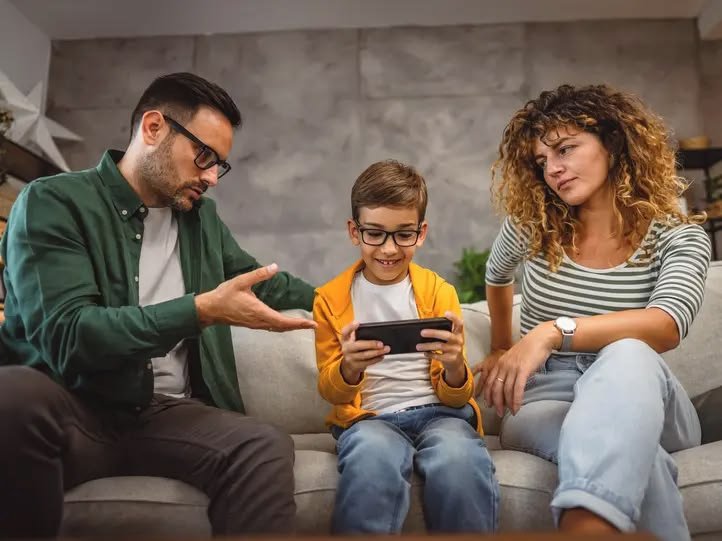
Rules and limits only work when children understand what their point is. Have ‘the talk’ about online safety regularly, as you do with offline safety to help your kids make wise choices.
What Never to Share Online
Make it clear: here is a list of information your family never shares in games or on gaming platforms:
- Full names
- Home addresses
- Phone numbers
- School names
- Schedules or routines
- Pictures of your house or neighborhood
- Credit card information
- Passwords
Explain that people online are not always who they say they are. That “12-year-old friend” could very well be an adult predator.
Recognizing Manipulation Tactics
There are tactics used by predators to gain the trust of children. Train your kids to spot caution signs:
- Adults who wish to be “a special friend”
- Asking to take conversations off site
- Offers for game items or money for free
- Pressure to hide things from parents
- Questions about personal life or family
- Requests for photos or videos
Keep the lines of communication open with your kids so they feel comfortable telling you about any experience that makes them uncomfortable without getting in trouble or losing access to their game.
Practice Safe Conversations
Establish family guidelines for game communication. Many families use these guidelines:
- Only add people you know in real life as gaming friends
- Don’t respond to inappropriate messages
- Report and block players who make you uncomfortable
- Keep gaming conversations in public spaces at home
- No video chatting with online-only friends
Practice scenarios through role-play with younger children. Practice how they would respond if someone were to ask personal questions or make them feel uncomfortable.
Keep Tabs on Gaming Activity Without Invading Privacy
The balance of watching with trust is the big struggle for all parents. You want to keep children safe but not have them feel like they are under surveillance 24/7.
Keep Gaming in Common Areas
At its most basic level, a location-based approach is the easiest way to monitor. Keep gaming consoles, computers and tablets in family rooms or other common areas.
When children game in areas of the house where their parents can see them — and hear them — they are less likely to have issues arise. You’ll notice if conversations become inappropriate or your child sounds upset.
This isn’t to say gazing over one’s shoulder all the time. Just being in the same room is a form of natural supervision.
Regular Check-Ins
Set up weekly or biweekly gaming check-ins with kids. Turn these into positive conversations, not interrogations.
Questions to ask:
- What video games are you playing lately?
- Who are you playing with?
- Have you made any new gaming friends?
- Did anything anyone said or did bother you?
- Are there any new features or areas in your favorite games?
These discussions provide insight into your child’s gaming world and demonstrate that you take interest in their likes.
Use Built-In Activity Reports
Many gaming systems create a parent account activity report. These display play time, games played, communication and purchase attempts.
Review these reports monthly. Watch for disruption of routines, increased time spent playing or trying to reach inappropriate games.
Don’t take action against kids for every little rule test. Use reports as conversation starters about why certain limits are in place.
Recognize and Handle Online Harassment
Online gaming communities are filled with bullies and toxic players. Your child is going to experience harassment at some point. Prepare them to manage it well.
Types of Gaming Harassment
Harassment in online gaming can mean more than name-calling:
- Verbal abuse through voice chat
- Hateful or threatening text messages
- Exclusion from game groups
- Griefing (deliberately ruining someone’s gameplay)
- Doxxing (sharing personal information)
- Swatting threats (false emergency calls to someone’s home)
More serious ones need to be intervened immediately, and the police may have to get involved as well.
The Block, Report, and Move On Strategy
Teach children this three-step reaction to being harassed:
Step 1: Block – Block the offending player as soon as possible so that they can’t reach your child again.
Step 2: Report – Report the behavior through the platform’s reporting facility. Include screenshots if possible.
Step 3: Move On – Don’t engage or retaliate. Bullies want reactions. Not giving them attention usually makes it go away.
Explain that reporting isn’t “snitching.” It prevents other players from being harassed.
Document Serious Incidents
For continued or threatening harassment, keep good records:
- Screenshots of messages or conversation logs
- Dates and times of incidents
- Usernames of harassers
- Names of any witnesses
This documentation will be useful should you need to reach out to school officials, platform administrators or law enforcement.
When to Take Breaks
And sometimes the healthiest thing you can do is to leave a toxic gaming scene. If a specific game or server is repeatedly causing harassment, help your child explore the world of healthier gaming communities.
This is an important life skill: knowing when something isn’t healthy, and making choices that focus on well-being.
Protect Against Scams and Financial Risks
Scams tied to gaming target kids and adults alike. Scammers use sneaky tactics to steal money and personal information.
Common Gaming Scams
Free V-Bucks and Currency Generators – Any website that claims to provide free in-game currency will try to scam you. They are stealing account credentials or putting malware on devices.
Phishing Messages — Scam emails or messages claiming to be associated with gaming companies manipulate people into giving out their passwords or clicking on malicious links.
Account Trading Scams – Offers to trade valuable accounts or items are often scams and after the trade, there’s usually no items given in exchange for what was taken.
Fake Giveaways – Scammers impersonating well-known streamers and saying they are giving something away. They harvest personal information or request payment to cover costs of “shipping” or “processing.”
Secure Payment Methods
If your family does purchase things in-game, use safe methods for payment:
- Prepaid game cards rather than credit cards linked to accounts
- Virtual one-time use credit card numbers
- Payment methods requiring your approval for each transaction
- No stored payment details on children’s accounts
Talk about your family approach to buying games. Some families have an allowance system that allows children to spend their own money on games but require permission first.
Recognizing “Too Good to Be True” Offers
Help kids develop healthy skepticism. If it looks too good to be true, it probably is:
- No legitimate company gives away expensive items for free
- Real gaming support will never ask for your password
- Official communications come from game platforms, not random websites
- You can’t get something for nothing
Instruct children to always verify suspicious messages by checking the company’s official website or social media accounts.
Balance Gaming Time With Healthy Habits
Safety is not only about keeping external threats at bay. Too much gaming can be damaging to physical health, social development and academic achievement.
Setting Reasonable Time Limits
Studies indicate that there should be different limits per age group:
| Age Group | Recommended Daily Gaming Time |
|---|---|
| 6-10 years | 30-60 minutes on school days |
| 11-14 years | 1-2 hours maximum |
| 15-18 years | 2-3 hours with breaks |
These are rules of thumb, not rigid rules. Customize according to your child’s daily commitments, level of physical activity and overall wellness.
The 20-20-20 Rule
Focusing on screens for gaming is hard on eyes. Teach kids the 20-20-20 rule:
Every 20 minutes, look at something 20 feet away for 20 seconds.
Make this a simple daily habit, and you will no longer suffer from eye strain or headaches caused by those marathon gaming sessions.
Encouraging Physical Activity
Find a balance between sedentary gaming and active pursuits. Some families do a 1:1 ratio – an hour of gaming equals an hour of physical activity that day.
Active gaming choices like Ring Fit Adventure, Just Dance or VR games which involve movement can help young people stay active when they’re engaging with digital entertainment.
Maintaining Social Connections
Gaming shouldn’t replace face-to-face friendships. Encourage your kids to:
- Invite gaming friends to meet in person (with appropriate safety precautions)
- Participate in real-world activities related to their gaming hobbies
- Participate in non-gaming family activities
- Maintain friendships with children who don’t share their gaming interests
Healthy social growth demands wider-ranging experiences than digital interactions alone provide.
Stay Up-to-Date on Gaming Trends and Dangers
The gaming landscape changes constantly. New platforms, new games and new risks arise all the time. Parents need to be informed, not gaming experts.
Popular Games to Understand
Research games your kids may want to play before you let them. Common Sense Media has great reviews that detail content, risks, and age appropriateness.
Currently popular games with safety considerations:
Roblox – User generated content means you never know what’s going to happen. Some games contain inappropriate content despite platform rules.
Fortnite – Voice chat allows communication with strangers. In-game purchases can pile up.
Minecraft – Generally safe but servers vary widely in moderation and player behavior.
Among Us – Chat features expose kids to unmoderated conversations with strangers.
Following Gaming News
Sign up for gaming parenting resources that highlight new risks:
- Common Sense Media gaming section
- Family gaming blogs
- School district technology newsletters
- Local news coverage on gaming-related incidents
Reading everything is not required, but being informally aware helps to make sense of your child’s gaming world.
Joining the Gaming Experience
Consider gaming with your kids occasionally. You’ll get to know their interests, understand appeal factors, and naturally observe their gaming behavior.
This doesn’t necessarily mean being great at every game. Even if you play poorly while your kid teaches you, it provides bonding opportunities and shows an interest in their hobbies.
Creating Open Dialogue
Make gaming a normal conversation topic, not a taboo subject. Children are more likely to report problems if they feel comfortable talking to parents about gaming.
Ask specific questions about games: “What’s your favorite thing about that game?” or “How does the chat system work?” instead of generic “How was gaming today?”
Putting It All Together: Your Family Gaming Safety Plan
Building internet safety for families around online gaming means pulling all of these strategies together into a cohesive plan.
Begin by holding a family meeting to talk about gaming safety. Engage children in making the rules themselves so they understand the reasoning and feel ownership over guidelines.
Write out your family’s gaming agreement. Include:
- Which games are allowed
- Time limits for different days
- Privacy rules for online interactions
- Consequences for breaking rules
- Plans for handling problems
Revisit and revise this agreement every few months as children become older and gaming habits evolve.
Remember that perfect safety is not a thing. Your aim isn’t to remove all risks, but instead to teach kids how to navigate digital spaces responsibly while you maintain appropriate oversight.

Frequently Asked Questions
What age should kids start online gaming?
Most experts advise waiting until at least age 8 to introduce kids to games with online interactions. Younger kids can enjoy single-player or local multiplayer games. The right age depends on your child’s maturity and ability to follow safety rules.
Should I read my child’s gaming messages?
Regular monitoring may make sense for younger children (under 12). For teenagers, spot-checks and conversations about concerning behavior balance privacy with safety. Always explain your monitoring policies upfront rather than secretly checking messages.
How do I know if my child is addicted to gaming?
Warning signs include declining grades, loss of interest in other activities, lying about gaming time, irritability when not gaming, and neglecting hygiene or sleep. If you notice these patterns, consult your pediatrician or a mental health professional.
Are paid games safer than free games?
Not necessarily. Paid games often have better moderation and fewer aggressive monetization tactics, but both can have safety issues. Evaluate each game individually regardless of cost.
What should I do if my child encounters a predator?
Stop all contact immediately, document everything, report to the gaming platform, and contact local law enforcement. Don’t delete evidence. The FBI’s Internet Crime Complaint Center accepts reports at ic3.gov.
How can I protect my credit card from gaming purchases?
Remove saved payment methods from all gaming accounts. Use prepaid cards or virtual credit card numbers for necessary purchases. Enable purchase approval requirements on all devices.
Final Thoughts on Gaming Safety
Internet safety for families in online gaming isn’t about fear or restriction. It’s about empowerment and education. When you combine technical safeguards with open communication and media literacy, you create an environment where kids can enjoy gaming while staying protected.
Your involvement makes the biggest difference. Kids with engaged parents who take interest in their gaming lives and establish clear boundaries face fewer risks and handle problems more effectively when they arise.
Start implementing these eight tips today. You don’t need to perfect everything immediately. Small, consistent steps toward better gaming safety create lasting protection for your family.
The gaming world offers incredible opportunities for creativity, problem-solving, and social connection. With the right safety measures in place, your family can enjoy these benefits while minimizing risks.