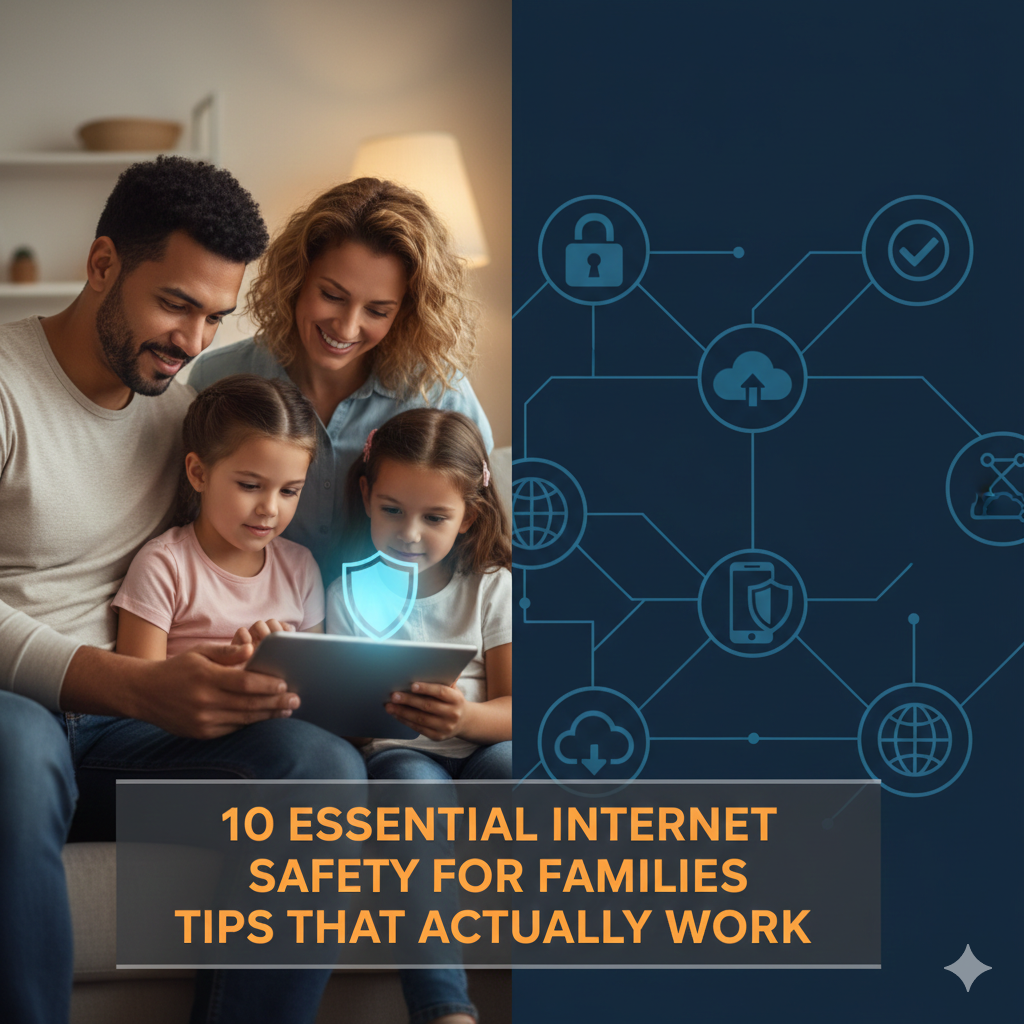
10 Essential Internet Safety for Families Tips That Actually Work
The internet, now, is a daily installment in households where television used to be. Children scroll through YouTube before they leap out of bed, parents squeeze in work emails during dinner and grandparents start video calls from 3,000 miles away. Although this connectivity adds tremendous value to the lives of its users, it also exposes them to risks that many families are unprepared to address.
Every day, kids are interacting with strangers online, finding disturbing content and sharing too much information about themselves without realizing the risks. Parents are regularly caught in a spiral of uncertainty, not sure where to begin when it comes to safeguarding their families online.
This article demystifies it with ten real strategies of parents and children that have been tried and tested. This isn’t theoretical knowledge from security experts without kids. These are simple, actionable tips that work for busy family life and that really matter.
Why Internet Safety Needs to Improve Now More Than Ever
Before we get to the nuts and bolts, then, why is it worth focusing on this topic today?
Today children spend an average of 7 hours per day looking at screens. It’s more time than they spend sleeping or in school. Between these hours they are subject to everything the internet has to deliver—great and terrible.
The threats have transcended viruses and spam. Modern perils include cyberbullying, identity theft, online predators, addiction to social media and violent or sexual content viewed without parental guidance—all of which could have long-lasting implications for the rest of a child’s life.
But here’s the good news: Families that take some common-sense precautions—including, but not limited to, vaccinating their children—can greatly reduce these risks. You needn’t be a techie. You only need to be present, informed and deliberate.
Develop a Family Technology Contract All Members Must Sign
Creating a family technology agreement can help establish boundaries that everyone must follow.
A clear set of expectations is the foundation of internet safety. A family technology agreement is essentially a contract that the entire household signs, with agreed-upon rules for using devices.
This is not simply about controlling your kids. It’s about sharing values around technology.
Your agreement should set out the when and where of device use, which kinds of content are allowed, how much time can be spent on screens and what will happen if someone breaks the rules.
Come together as a family to develop this agreement. Let kids contribute ideas. Children are more likely to follow rules they help create.
Younger children benefit from easy-to-remember rules like, “We ask to download apps” or “Devices are used in common areas, not bedrooms.” For teenagers, focus on more complex issues such as uploading photos of themselves, communicating with strangers or using dating apps.
Update the deal every 6 months. As children mature and technology changes, your rules should evolve as well.
What makes this tip powerful is the conversation it sparks. Families that routinely discuss technology are better protected online.
Turn on Parental Controls for All Devices
Most devices, apps and internet services include parental controls. But many families never start them up, in part because they don’t know how or believe that the controls are too confusing.
They’re not. And they work.
Begin with your home internet router. Many modern routers allow you to filter content, time usage and block websites for all your devices from the home network. This provides a basic level of protection.
Then set up controls for each device. iPhones and iPads come with Screen Time settings that give you the ability to restrict apps, block adult content, and disable purchases. And Android devices have similar tools through Family Link.
Gaming consoles including Xbox and PlayStation have strong parental control options. You can keep a tight control over games your child plays, from age rating restriction and who they can communicate with to spending limits.
Streaming services such as Netflix and Disney+ let you set up profiles for kids that only show age-appropriate content.
Don’t forget about search engines. Google SafeSearch, YouTube Restricted Mode and equivalent settings screen out sexually explicit details in search results, suggestions and so on.
And here is a handy table that illustrates where different popular platforms keep their parental controls:
| Platform | Where to Find Controls | Key Features |
|---|---|---|
| iPhone/iPad | Settings > Screen Time | App limits, content filters, downtime |
| Android | Google Family Link app | App approval, location tracking, screen time |
| Windows PC | Family Safety website | Activity reports, content filters, time limits |
| Xbox | Xbox.com/settings | Game ratings, communication restrictions, screen time |
| Netflix | Account > Parental Controls | PIN protection, maturity rating |
| YouTube | Settings > General | Restricted Mode and supervised accounts |
Keep in mind that parental controls are far from foolproof. Resilient kids occasionally discover workarounds. Which is why controls work best along with open communication and trust.
Put Gadgets in Family Spaces Generally
Where you put devices inside your home matters more than you might be aware.
Parents can’t see what’s going on when children are using tablets, laptops and phones in the privacy of their bedrooms behind closed doors. This discretion is breeding opportunities for risk.
Instead, set common areas where the internet can be accessed. A kitchen table, living room or family office is good. It’s places like these where you can casually see what people are watching on their screens without hovering or intruding into anyone’s private space.
And it can also be a sleep aid. When that device is in the bedroom, a kid can be easily tempted to stay up late scrolling through social media or playing a game. Blue light from screens can disrupt natural sleep rhythms, causing difficulty falling asleep and poor quality of sleep.
Designate a central charging station where all your family’s devices recharge—and sleep at night. This simple routine benefits sleep for all and cuts back on late-night internet activity.
For older teens who require privacy to do homework or have some time alone in their rooms, you might consider leaving bedroom doors open when they are on devices. This honors their increasing autonomy with appropriate oversight.
The communal approach simply lends itself to more chatter about what kids are seeing and doing online.

Give Kids Privacy Awareness and Protect Personal Information
Many children do not understand the permanence and spread of what they post online. They do things like: post their address on social media, include their real name in a gaming username, or share photos that provide clues about where they are.
Here, education is your greatest ally.
Start teaching privacy concepts early. Even small children learn that some things never leave the family. As they mature, you can add to these lessons the concepts of what is appropriate and not appropriate to share online.
Teach the “Grandmother Rule”: if you would not want your grandmother to see it, do not share or post it. So, this no-nonsense rule encourages students to think before they share.
Tell them that personal information can include their name, address, phone number, the name of their school, date of birth and Social Security number—and even a photo that shows something with identifying details (like a house number or street sign) in the background.
Explain to children that people online are not always who they say they are. A web “friend” claiming to be 12 could be a grown-up with bad intentions.
Role-playing scenarios: “If someone online asks where you live what would you do? What if they want to meet face-to-face? What if the person insists on a photo from you?”
Explain the idea of a digital footprint. Basically everything shared online has the potential to be viewed by anyone—even upstanding potential employers, colleges or common online bullies. If anything is posted, it can be screenshot and shared, even after the original content has been removed.
Have ongoing conversations about privacy settings. Check, together, every few months your privacy settings on social media. Ensure profiles are private, location features are turned off and friend lists only include people your child has actually met.
For more comprehensive guidance on protecting your family’s digital presence, visit Internet Safety Guide for additional resources and expert advice.
Monitor Without Micromanaging
The balance between safety and trust is one of the trickiest in parenting these days, at least for anyone raising children in a digital age.
Monitoring does not mean reading all of a person’s text messages or logging each of their website visits. It is, however, about remaining somewhat clued in to what your child does online and stepping in when necessary.
Direct monitoring is more fitting for younger children. Occasionally review the Web history, review app downloads and see messages with your child nearby. Frame this in terms of keeping them safe, rather than as punishment.
As kids prove themselves trustworthy and exercise sound judgment, slowly give more privacy. It teaches responsibility and helps them on to getting independent.
Some families use monitoring apps that show location, screen time and app usage. These tend to be useful tools, but be open in using them. Secret surveillance only serves to undermine trust and—because children do not learn how to make good decisions in this manner—rarely teaches them to become better decision-makers.
Rather than dwelling on the negative, all that kids do wrong online, point out and reward positive digital citizenship. “You covered that inappropriate ad as soon as I did see it. Good thinking!” This is a form of positive reinforcement for safe behavior.
Monitor any behavior changes that might indicate online issues. Isolating oneself from family, becoming secretive about device use, mood swings following screen time or refusal to talk about online activities could be signs of cyberbullying, exposure to inappropriate content or contact with predators.
Regular check-ins work better than random inspections. Try scheduling “tech talks” a few times a week, where everyone shares something interesting they saw online, any concerns and plans for screen time ahead.
Teach Your Family to Recognize Scams and Phishing
Cybercriminals don’t just go after kids. Grandparents are duped by phone scams, parents click phishing links in bogus emails, even youngsters unknowingly hand over account passwords to what they mistakenly believe are the real thing.
Turn scam awareness into a family group learning project.
Start with email safety. Train everyone to check senders’ addresses before you click links or open attachments. Real businesses don’t request your password, credit card number or social security number via email.
Examples include: URGENT language, spelling mistakes, generic greetings (such as “Dear Customer”), strange-looking links and requests for personal information.
Before you click, hover over links to see where they actually lead. A link that displays “Apple.com” might actually go to “App1e.com” (they put a number instead of a letter).
Discuss social engineering tactics. Scammers make fake social media accounts to trick people into thinking they are someone else and then solicit them for money. They establish trust before seeking money or information.
Practice identifying scams together. When you receive a dubious text or email, share it with your children and talk about how to spot the warning signs. This makes real-life examples teachable moments.
Enable two-factor authentication on the most important accounts. This is an additional security layer that will prevent hackers in most circumstances, even if passwords were stolen.
Instruct children that they should never click on pop-up ads, particularly those announcing they’ve won a prize or their computer is infected. These are nearly always scams intended to install malware on or steal information from the victim’s phone.
That is, whenever they are about to spend money or pass along information online, have them check with a parent first. It’s this little break that helps most potential victims to not go through with it.
According to the Federal Trade Commission, phishing scams are one of the most common online threats families face today.
Set Logical Limits for Screen Time
Too much screen time is a problem. When kids don’t have grown-ups setting limits on their screen media use, they experience poorer quality sleep, lower physical activity levels, fewer face-to-face social skills and increased risk for anxiety and depression.
But overreliance on strict limits produces rebellion and conflict.
Strike a balance that suits your values and schedule as a family.
The American Academy of Pediatrics advises no screen time for children under 18 months (except video chatting), an hour per day for ages 2 to 5, and regular limits for older children.
School-age kids and teenagers should focus on quality, not quantity. An hour spent learning to code is not an hour looking at TikTok videos. Screen time for educational purposes and being creative or joining video calls with family can be less limited than passive entertainment.
No screens during meals, one hour before bedtime and family activities. These screen-free zones allow for talk, sleep and connection.
Concrete limits will make use of timers and cut down on arguments. When time is up, they return to the charging station and there is no arguing.
Make exceptions for special occasions, such as movie nights or long car rides. Flexibility keeps the rules from seeming arbitrary.
Use device features to keep track of screen time. Parents are often surprised by how hours add up. Kids may be motivated to self-regulate by knowing their results.
Model healthy screen habits yourself. Children realize when their parents put very strict limits on them, but then spend hours scrolling through social media. Practice what you preach.
Learn About Your Child’s Online Friends and Communities
Your child lives in two social worlds, one at school and the other online. You need to know both.
Begin by questioning without judgment. “Who do you talk to online? What games are you playing? Any interesting videos lately?” Curiosity works better than interrogation.
Know the apps your kids are using. If your daughter is all about Discord, go figure out what Discord even is. If your son plays Roblox, research how chat features are designed. You can’t protect them from risks you don’t understand.
Make sure that until you verify their identity, online friends remain online. Meeting friends from the internet in real life happens under parental watch and presence, only in public places, and after a period of being vetted.
Be aware of gaming communities. Many multiplayer video games have a voice chat feature that allows random strangers to talk to your child. Some games have toxic communities known for bullying or offensive content.
Periodically monitor friend lists on social media. If you notice grown-ups whose names you don’t know or accounts with suspicious profiles, inquire about them.
Teach children that true friends don’t ask them to keep secrets from their parents, pressure them into sharing or watching inappropriate content or make them feel uncomfortable.
Foster an environment where kids feel safe reporting troubling interactions. React with calm when they recount uncomfortable online scenarios. They’ll stop telling you important things if you overreact.
Some warning signs to look for: recurrent secrecy about whom they’re communicating with, mention of adults who have told them not to inform their parents, gifts or money from individuals online and requests to use cameras in private spaces.
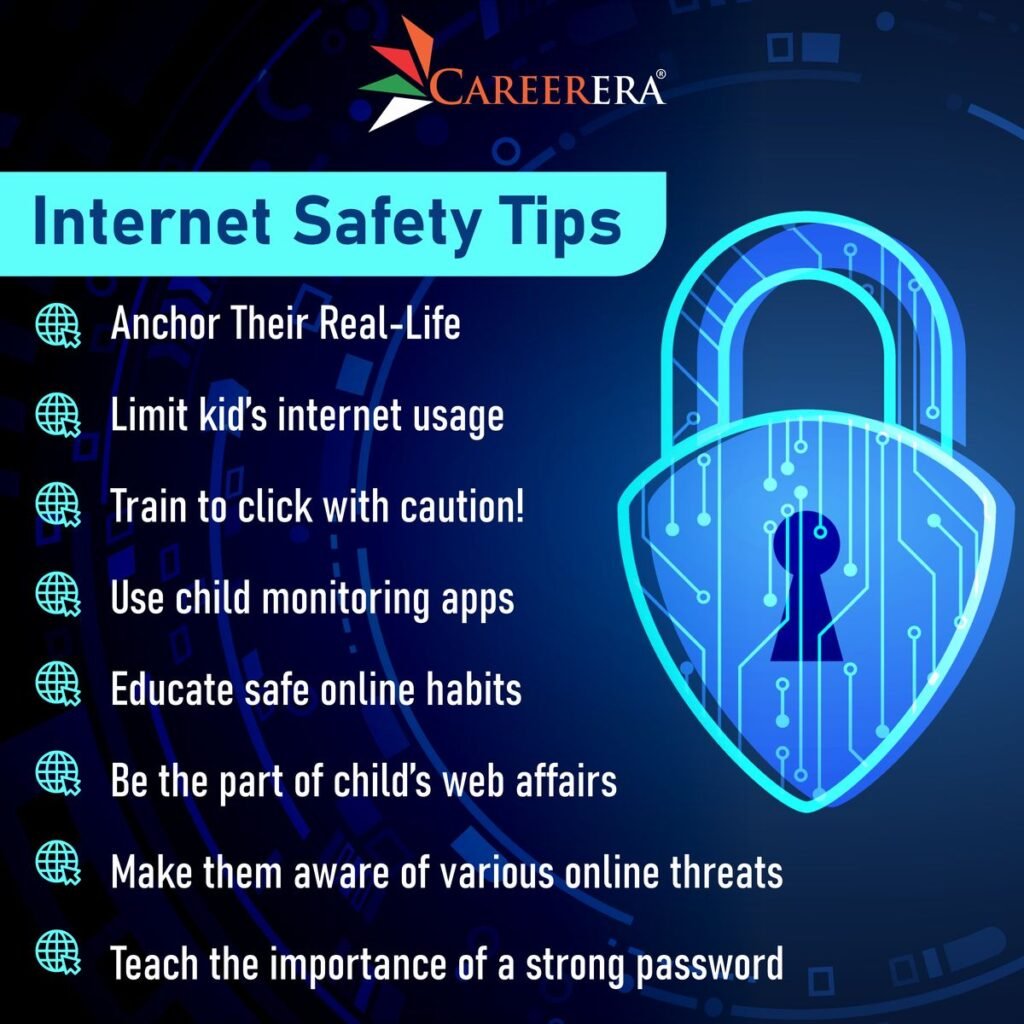
Keep Security Software and Devices Updated
One of the most dangerous security vulnerabilities in homes today is outdated software.
Hackers are always innovating new tactics to take advantage of outdated software. Companies put out updates patching these security holes, but the patches can only solve the problem if you actually install them.
Turn on automatic updates for all devices, operating systems, apps and antivirus. It does the right thing when it comes to keeping you safe without requiring you to remember to check for updates yourself.
Keep antivirus software on computers turned on. Free options, like Windows Defender, offer good basic protection. If you want full security, then consider paid options like Norton and McAfee.
Replace devices that no longer get security updates. An old iPad or Android tablet that no longer can receive operating-system updates is an easy target.
Update router firmware regularly. People generally never touch their router again after the first setup, but manufacturers do put out security updates for routers. Visit your router’s settings every few months to look for any available firmware updates.
Generate difficult-to-guess passwords for your important accounts. Use a password manager such as 1Password or Bitwarden to generate and store complex passwords. This prevents using the same password for everything.
Change the default passwords on new devices when you’re setting them up. Smart TVs, security cameras and internet of things devices often have default passwords that hackers can easily find using search engines.
Teach children not to ignore update reminders. These are not annoyances—they are significant security patches.
Establish an Open Channel of Communication
No amount of parental controls, monitoring tools and rules in the world is more relevant than the trust you have built with your kids.
When kids trust their parents and feel comfortable discussing uncomfortable topics, they will have a tendency of making safer choices and getting help when needed.
Initiate technology discussions early, long before any problems occur. Don’t put off discussing online safety with your child until you suspect something is amiss.
Share your own experiences. Share stories about mistakes you’ve made on the internet, scams you fell for or times when you saw something disturbing. This vulnerability allows room for kids to discuss their experiences.
Respond calmly to mistakes. If your child accidentally clicks on a shady link or overshares, take the opportunity to discuss rather than mete out punishment. Children who are afraid of punishment that is too harsh hide their problems, not seek help.
Ask open-ended questions: “What’s the most interesting thing you saw online today? Have you seen anything that has been unsettling? Do you know any of your friends who are dealing with online bullying?”
Listen more than you lecture. When kids tell you about what’s going on in their online lives, don’t feel as if you have to jump in with warnings or rules. Knowing where your students are coming from allows you to lead them more intelligently.
Learn to say “I don’t know.” Technology changes rapidly. It’s fine to be honest and say, “I don’t know that app. Can you demonstrate how it works?” This provides opportunities for kids to teach you while you evaluate safety together.
Make it clear that all topics are open. Kids need to know that no question about the internet is too silly or embarrassing.
You want to be the first person they go to when something goes wrong online. You can do this only when you have built that kind of trust, and the other person has had a lot of positive experience with you responding to their concerns in a calm, non-judgmental way.
Frequently Asked Questions
How young is too young for social media?
According to the Children’s Online Privacy Protection Act (COPPA), social media users must be over 13 years of age. But age alone doesn’t equate to readiness. Before giving your child access to their own social networking account, consider their age and maturity level, resistance to peer pressure, understanding of privacy settings and emotional maturity.
Should I read my child’s text messages?
Occasional message checks are appropriate for younger children, within general monitoring. Gradually give kids more privacy as they show trustworthiness and responsibility. The first rule is, be open about monitoring as opposed to conducting it in secret. Concentrate on safety, not punishment so much and realize that as they grow their need for independence grows.
How should I respond if my child is being cyberbullied?
Screenshot each and every bullying message for evidence. Block the bully on every platform. Report the behavior to the platform, your child’s school and if there are threats involved, police. Do not respond to or hit back at bullies. Be there to support your child emotionally and seek counseling for them if the bullying is extreme or ongoing.
Do the free parental control apps work?
A lot of free parental control services offer features like content filtering and time limits that are very effective—even more so when you have younger kids. But you get what you pay for, and on the whole free services only offer basic monitoring where paid solutions tend to include more in-depth monitoring capabilities, better tech support and richer features. Consider your family’s individual needs before deciding.
How can I safeguard my child’s privacy on educational apps that school required them to download?
Please read the app’s privacy policy for more information about the data they collect. Inquire about data security precautions with school administrators. Utilize school-provided accounts instead of personal ones whenever feasible. Teach kids not to share more information than necessary. If possible, use privacy-centric browsers and VPNs on school devices.
When are kids ready for a smartphone?
There is no age range that suits everyone. Don’t just look at age: What does your child actually need in a phone for safety or communication? Can they handle the responsibility? Do they know any internet safety tips? Will they follow agreed-upon rules? A lot of families begin with a basic phone (calls and text only) then step up to smartphones. Some experts also recommend waiting until about 12-14.
Taking the First Step Today
Taking measures to keep your family safe on the internet doesn’t mean you have to be perfect. That takes awareness, communication, and some good old-fashioned effort.
All 10 tips need not be implemented overnight. Begin with one or two that will address what’s troubling your family most. Perhaps that means setting parental controls this weekend or holding a family meeting to develop a technology contract.
More than anything, you just have to get started. Each conversation you have about online safety, every configuration change and each limitation you impose makes your family a bit safer.
Technology is not the problem. There are wonderful educational, creative and social networking opportunities online. Your goal isn’t to banish technology from your children’s lives—it’s to help them learn how to use it safely and wisely.
You’ll change your approach as your children grow. What is appropriate monitoring for a 7-year-old will be different from what a 17-year-old needs. Be flexible, communicate effectively and adjust your strategies as necessary.
More than any app, filter or tracker, your input is what matters! Children with involved parents who communicate about technology, establish clear expectations and provide guidance make far safer online choices.
The digital world is already in place. By embracing these 10 critically important tips you’re not only safeguarding your family against threats that exist today—you are providing the skills and values that can keep your children safe for a lifetime.
Start today. Pick one tip. Have one conversation. Make one change. That’s the first step on your family’s online safety journey.